For soccer & futsal coaches
MatchOps
Your clipboard, stopwatch, notebook, and stats — in one app.
Interested in trying it out? Drop me a message and I'll add you to the testing group.
Plan • Track • Discover
MatchOps replaces your clipboard, stopwatch, and notebook with one app. Plan your lineup, positions, and warm-up before the game. During the match, log goals, assists, and substitution intervals with a tap. Your statistics build automatically — at individual, game, team, and competition level. A direct link to the Finnish FA's Taso system makes it easy to register lineups and submit results.
Plan
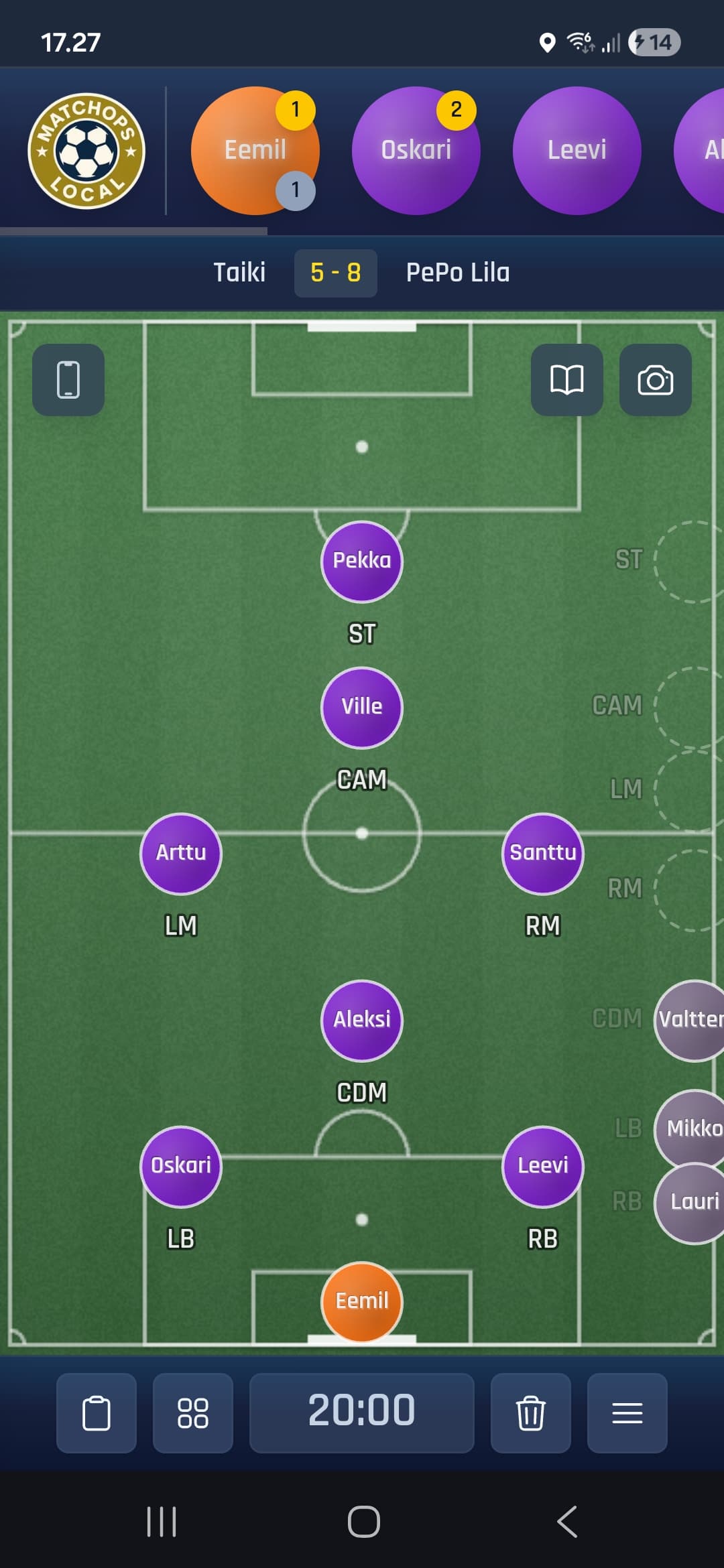
Place players on the field. Visualize your formation.
Track
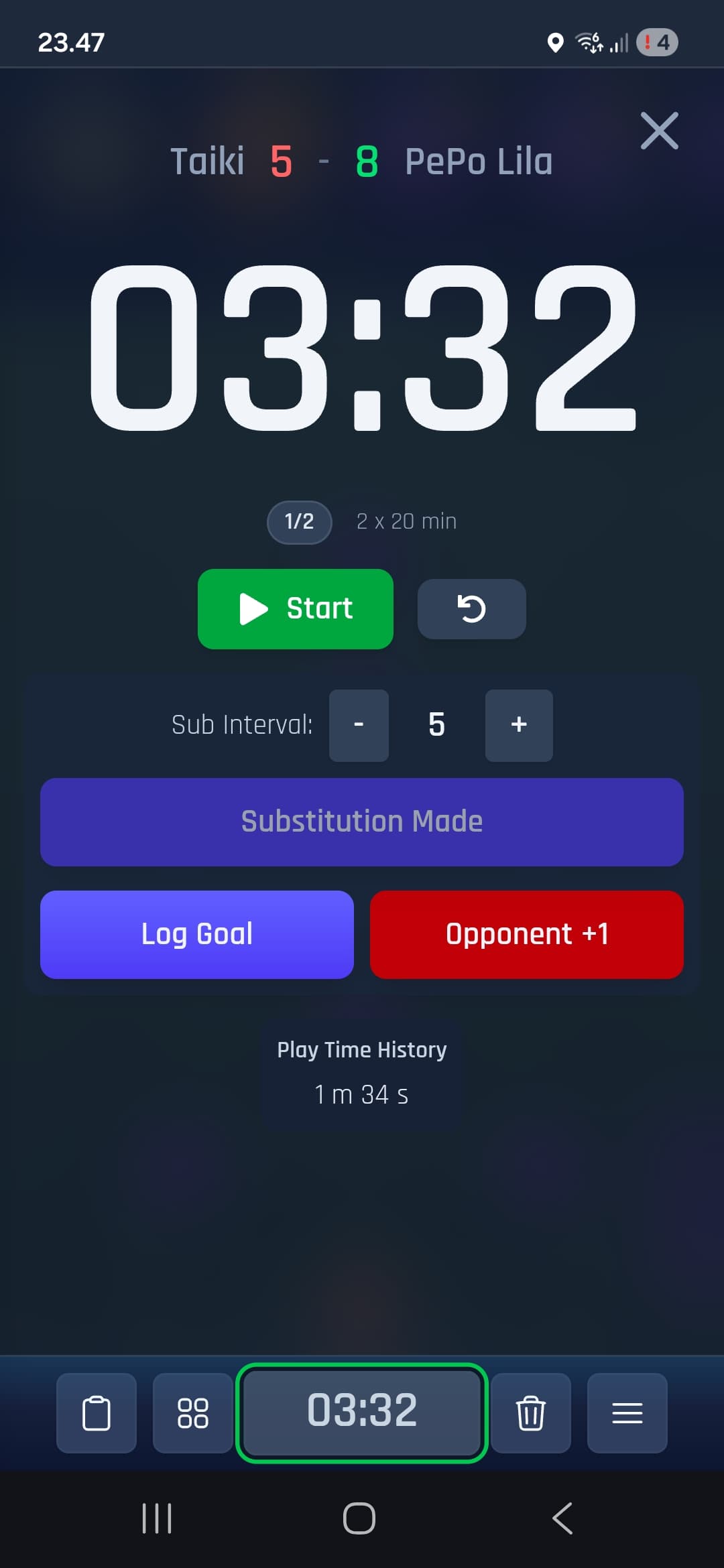
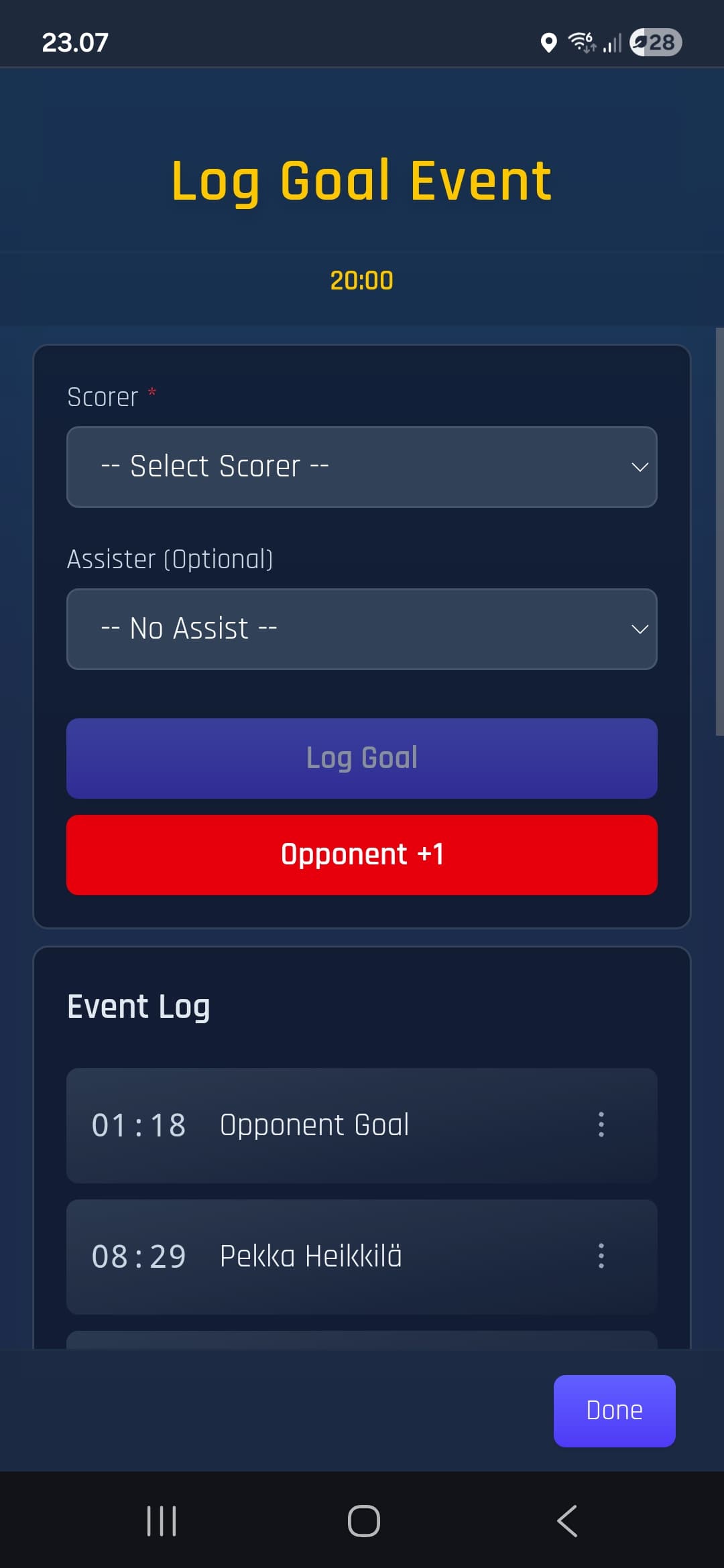
Timer, substitutions, goals, and assists — all in real-time.
Discover
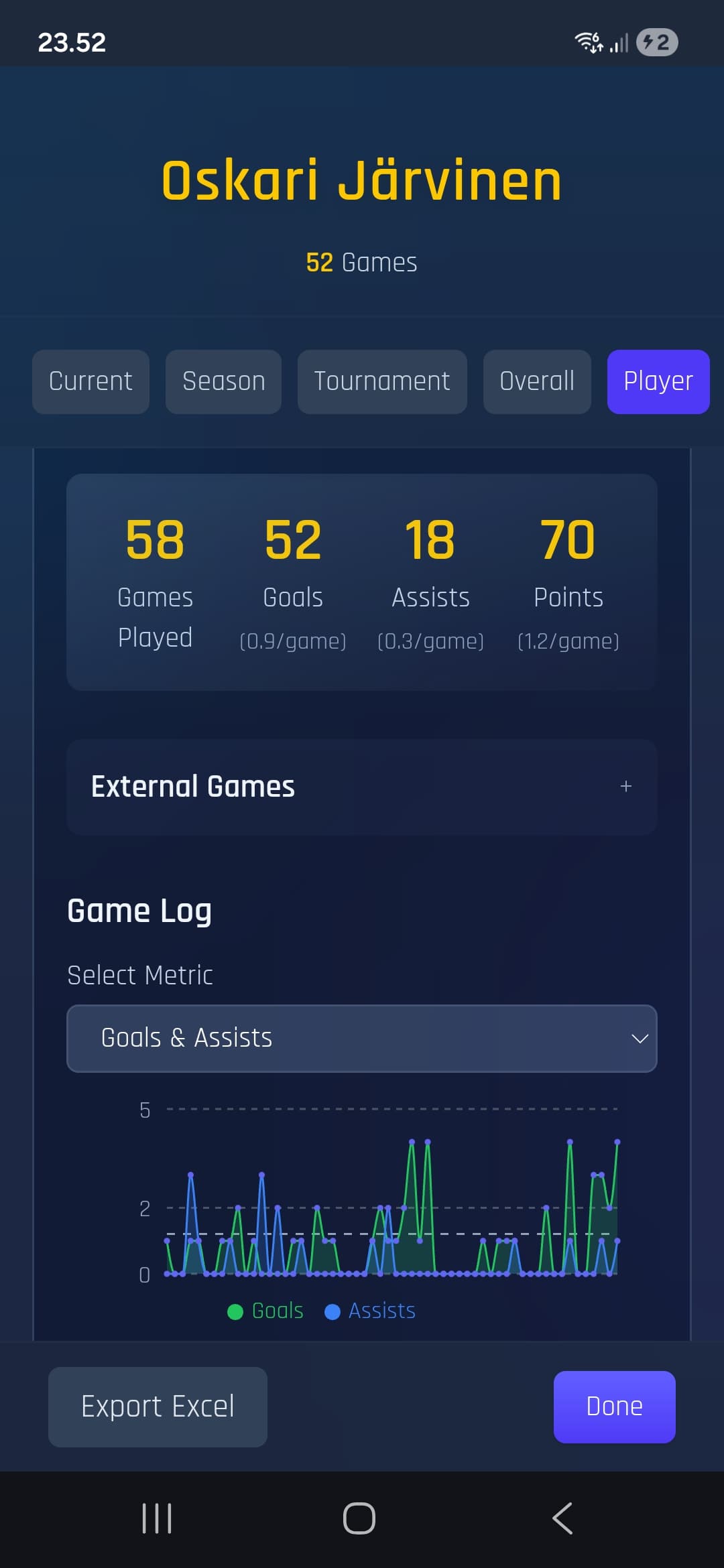
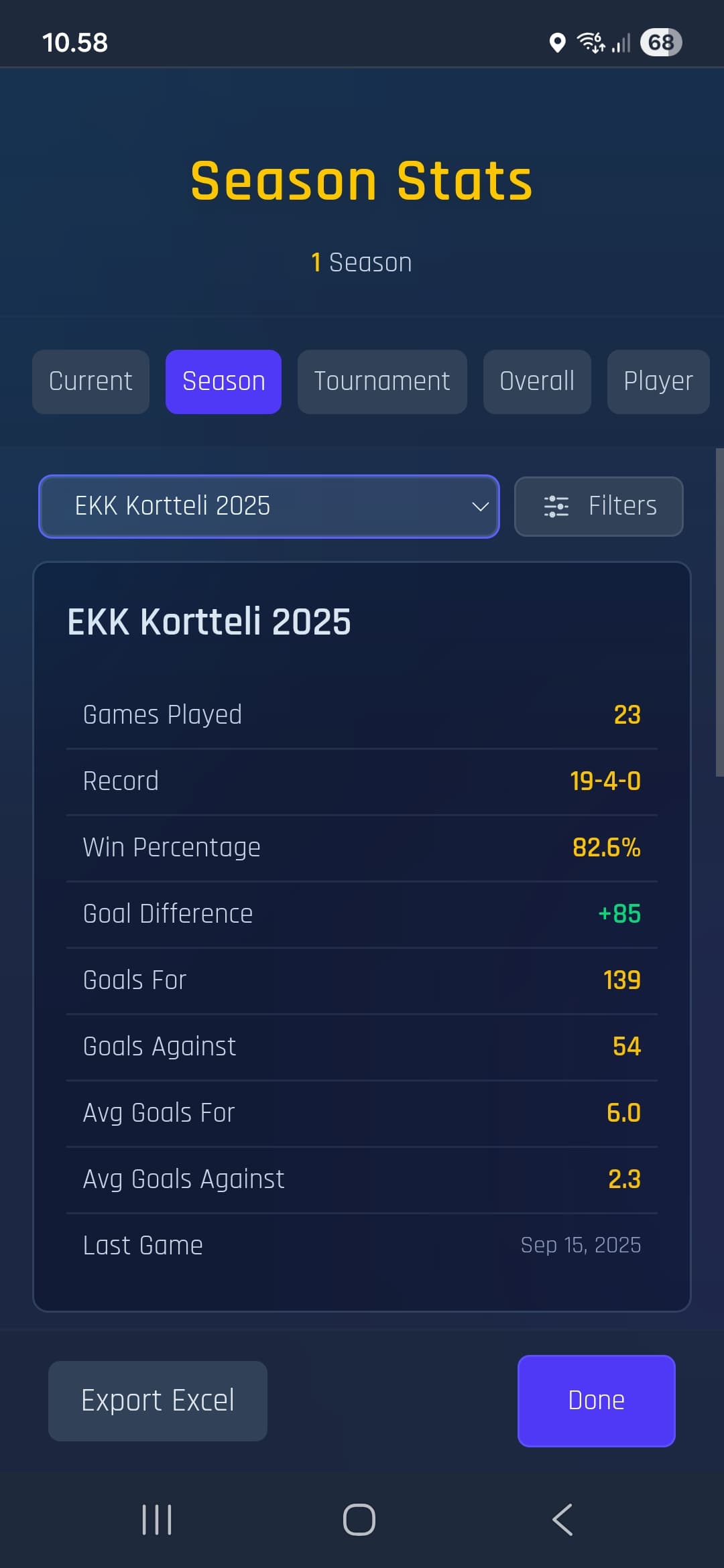
Game statistics build automatically, game by game. See team and season results at a glance.
More Features
Tactical Board
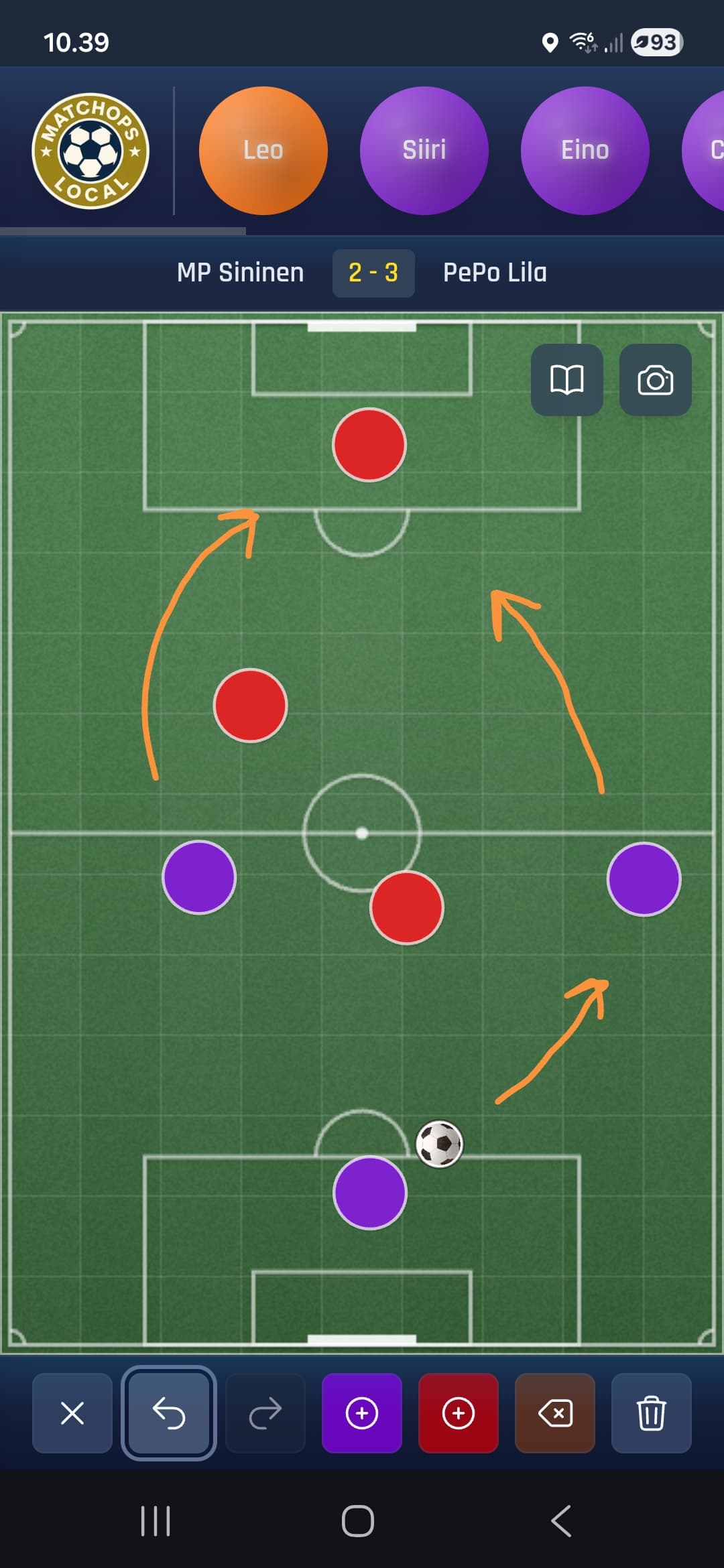
Draw plays and formations. Add opponent discs for tactical planning. Communicate your game plan visually.
Cloud Sync
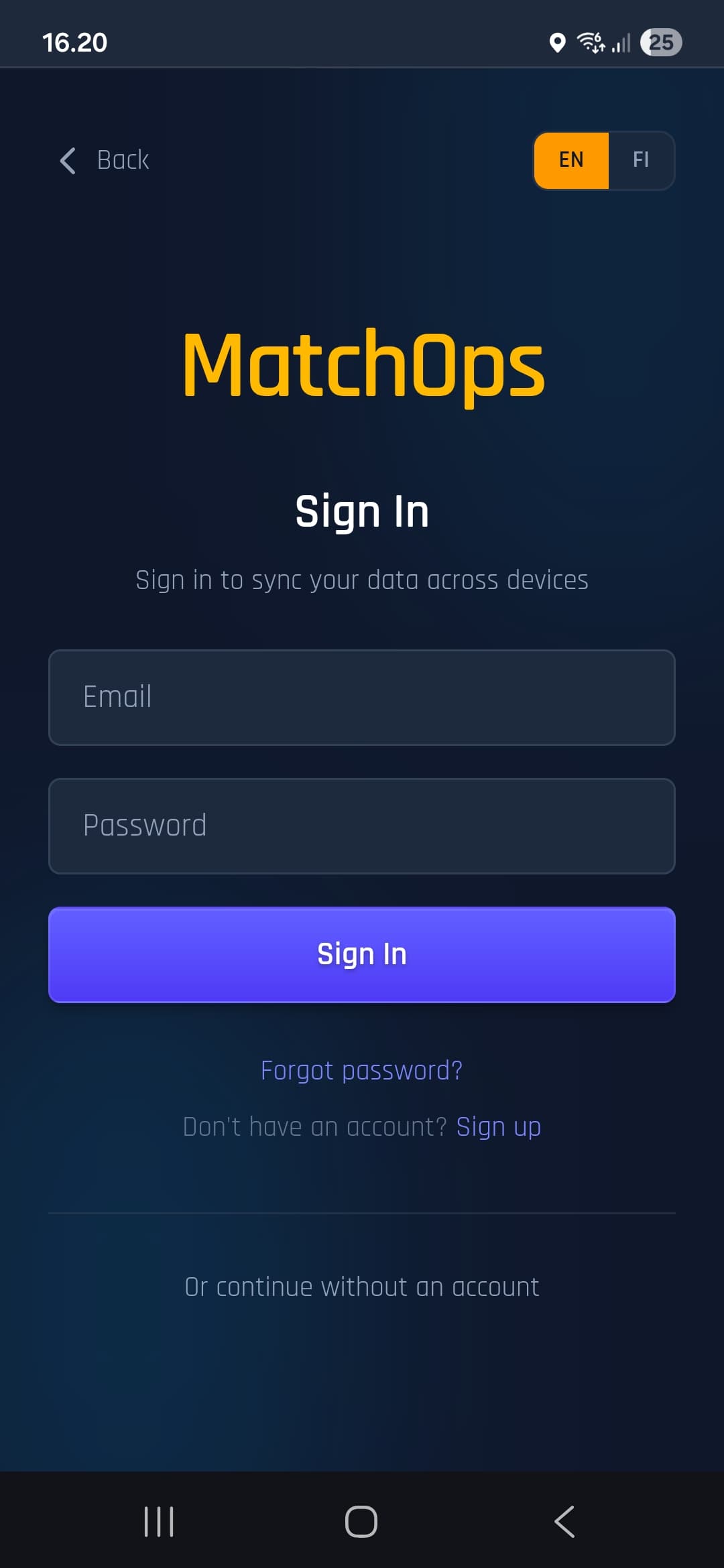
Sign in to sync your data across devices. Your data stays safe in the cloud and syncs automatically.
Match Log
Tap to log goals with scorer and assister. Timestamps and match records build automatically.
Quick Formations
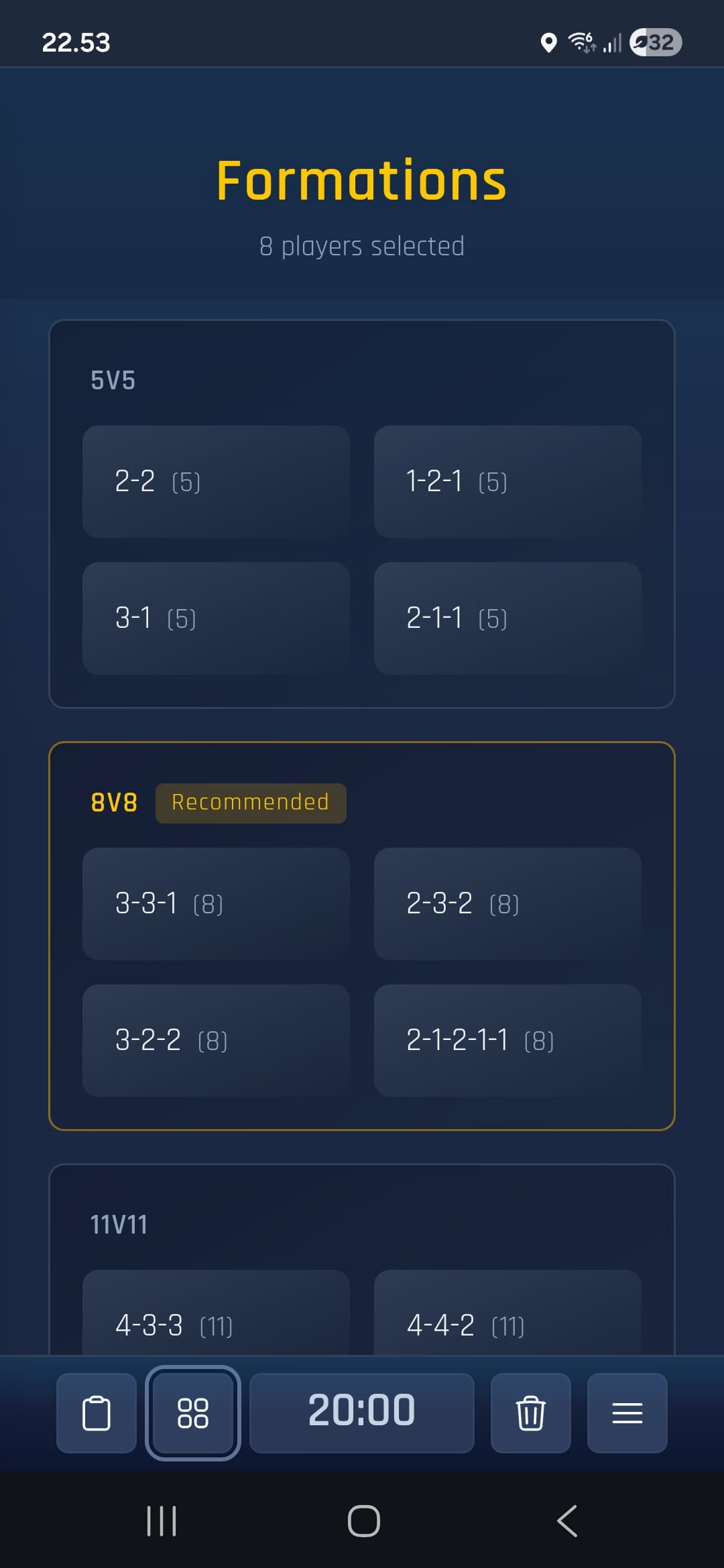
Set up your team in seconds with formation templates. Snap players to position with one tap.
Reports
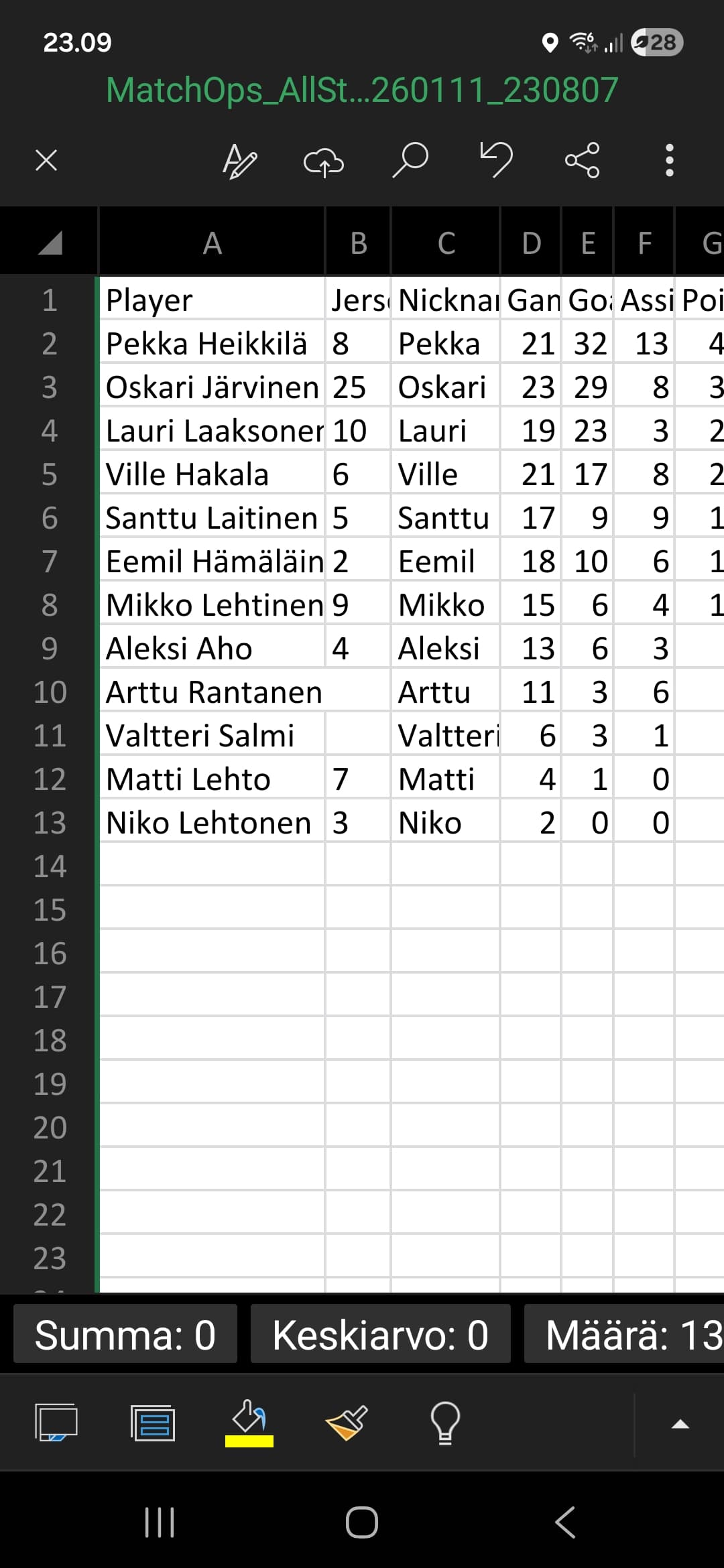
Export statistics to Excel. Reports by players, competitions, single matches, or teams.
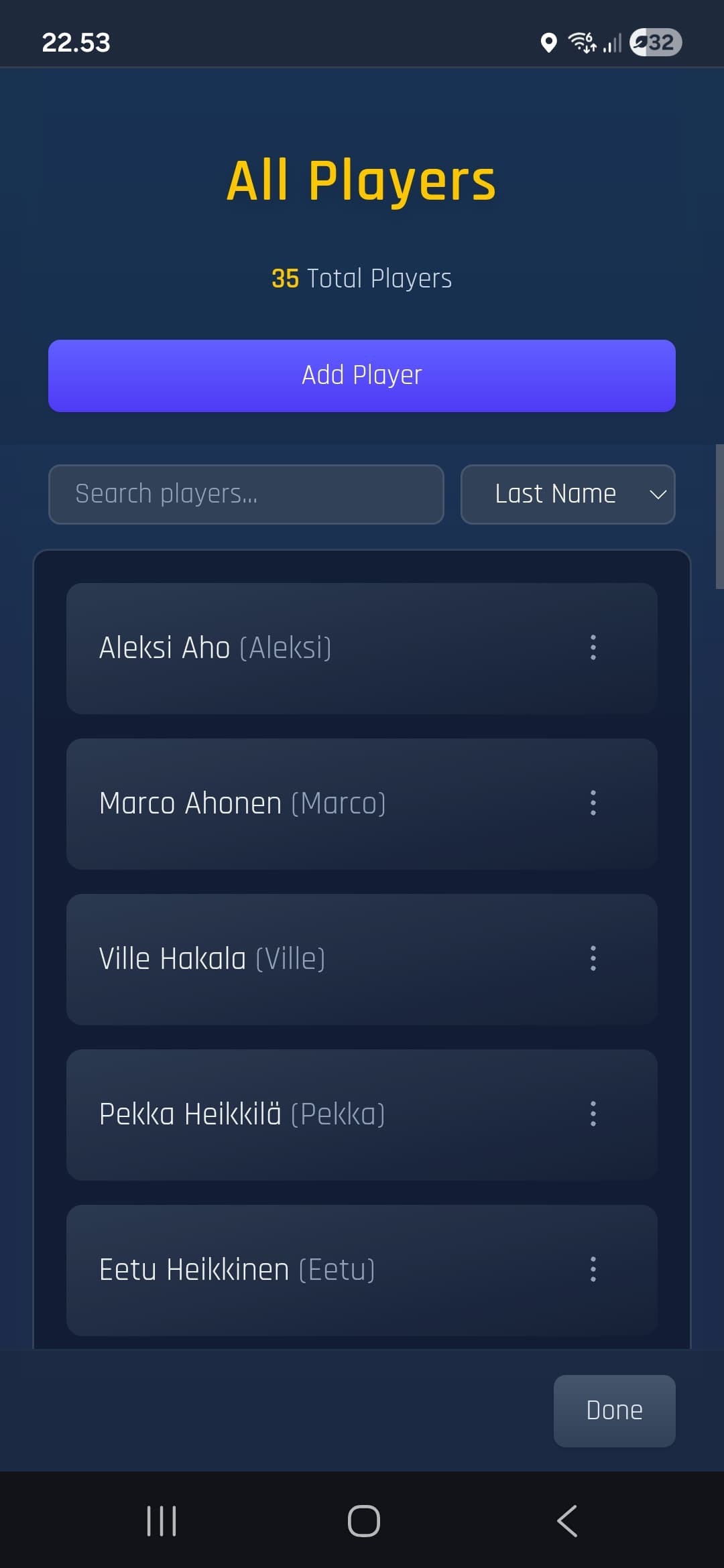
Player Roster
Add players with names, jersey numbers, and nicknames. The nickname is shown on the disc on the field.
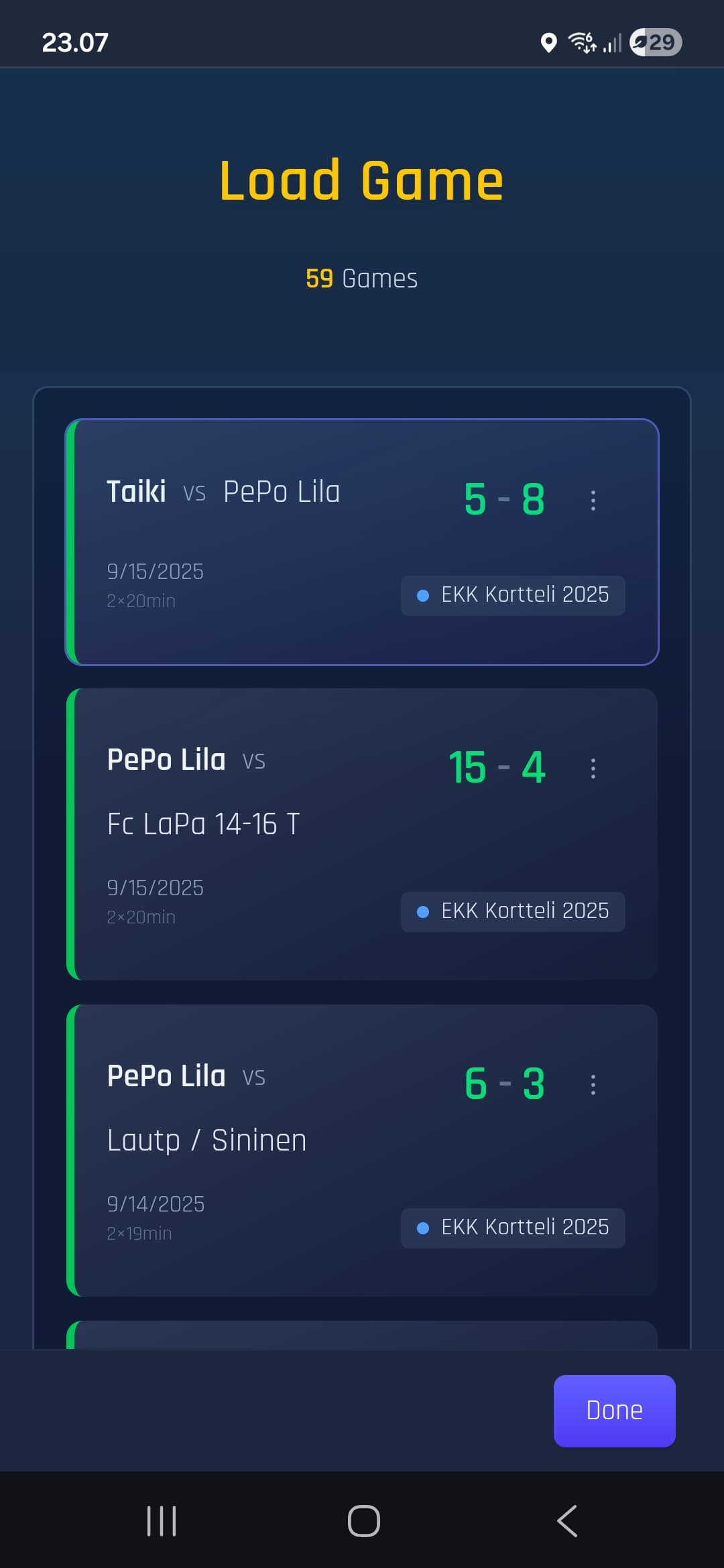
Game Archive
Browse all your saved games. Search by opponent, filter by season or tournament. Your complete game history.
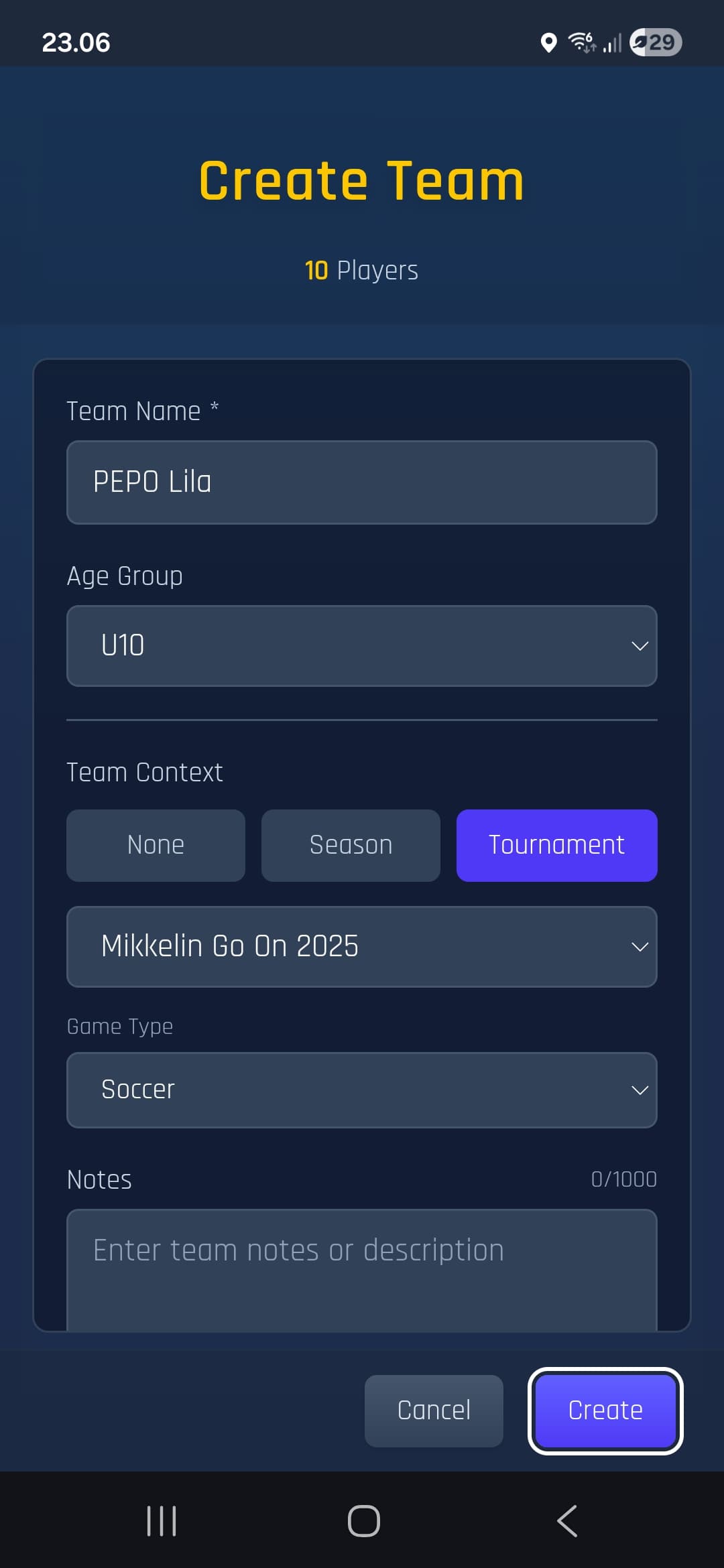
Team Builder
Create and manage multiple teams. Link teams to seasons and tournaments for organized statistics.
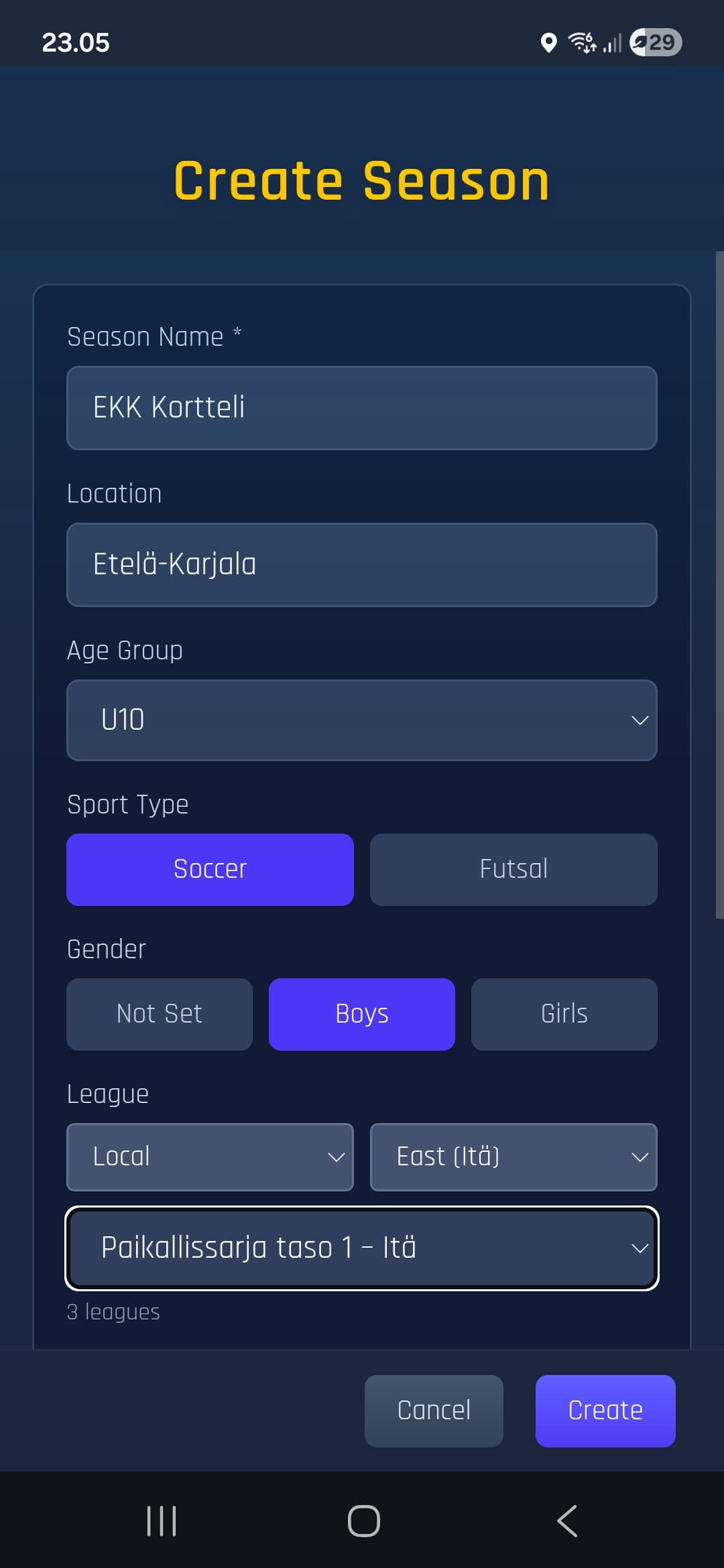
Leagues
Create and manage leagues. Link games to leagues and track league statistics.
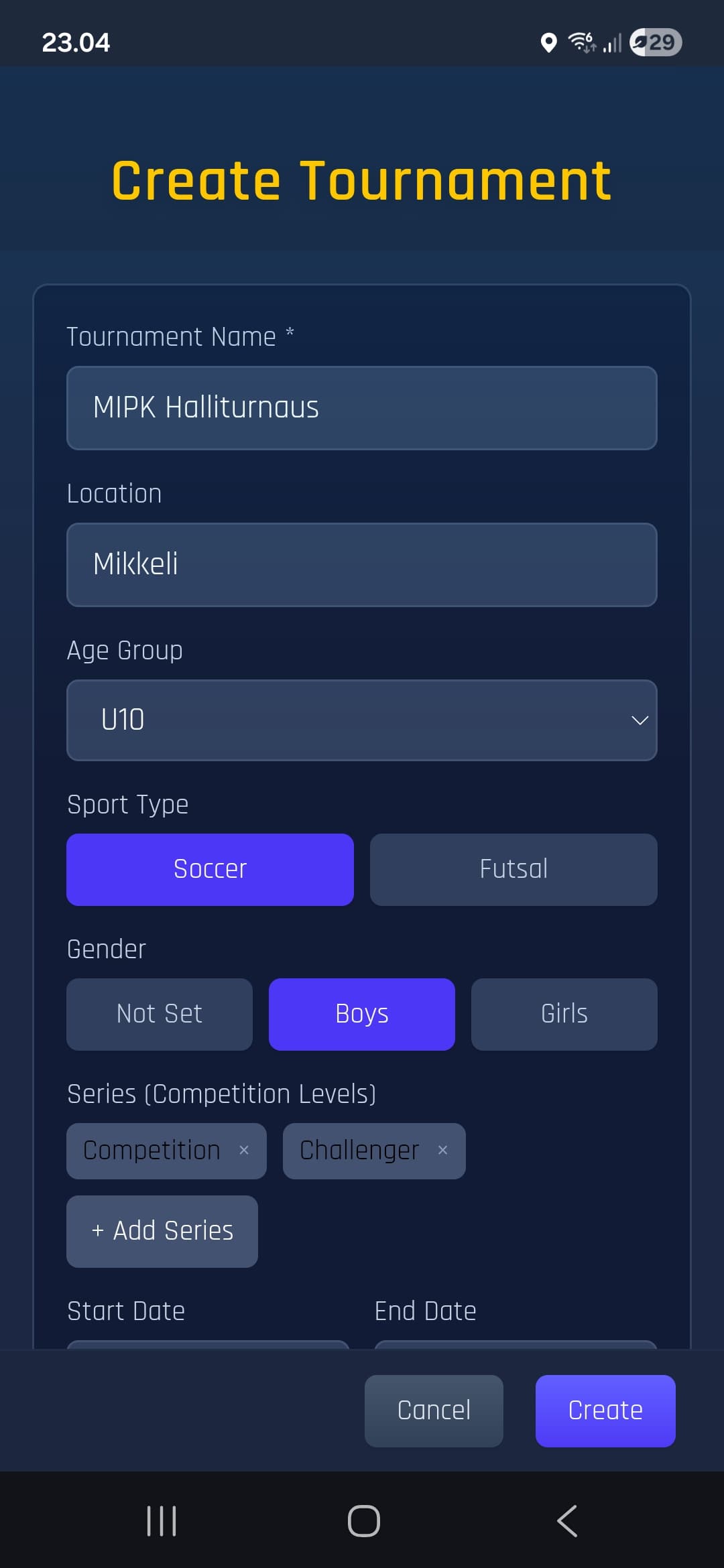
Tournament Hub
Manage tournaments with multiple levels. Record team placements and view tournament statistics.
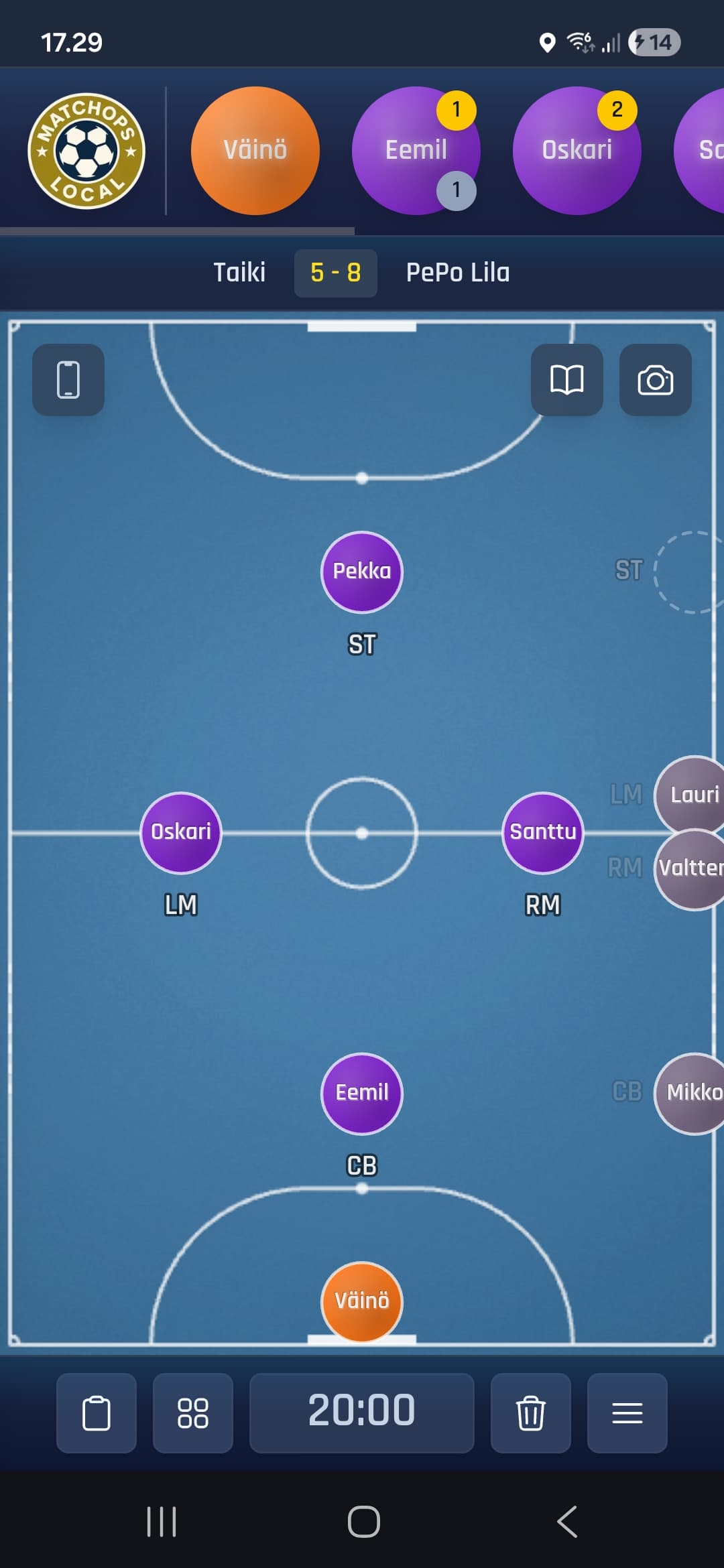
Futsal
Futsal court view and game labeling for accurate stats and filtering.
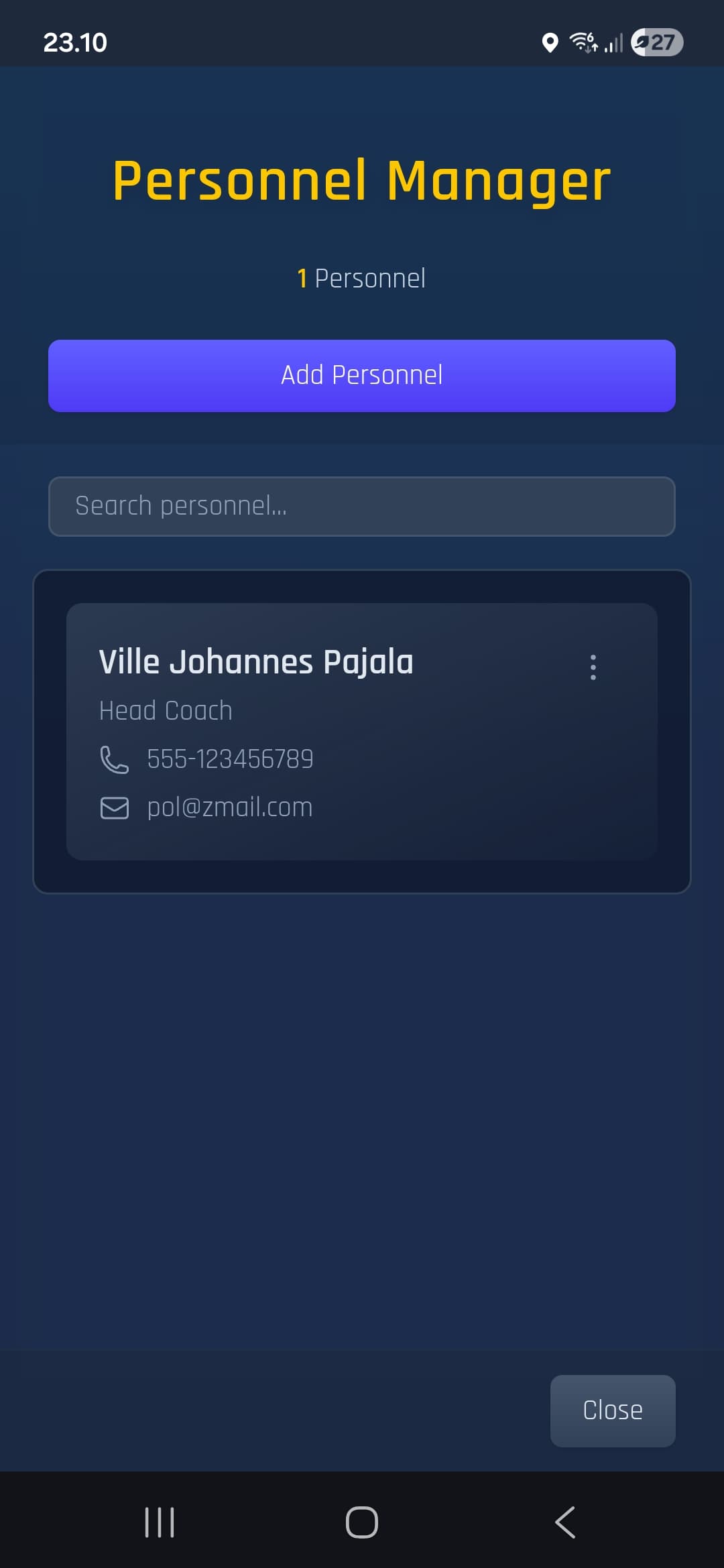
Coaching Staff
Keep record of your staff. Save roles and contact info.
Performance Notes
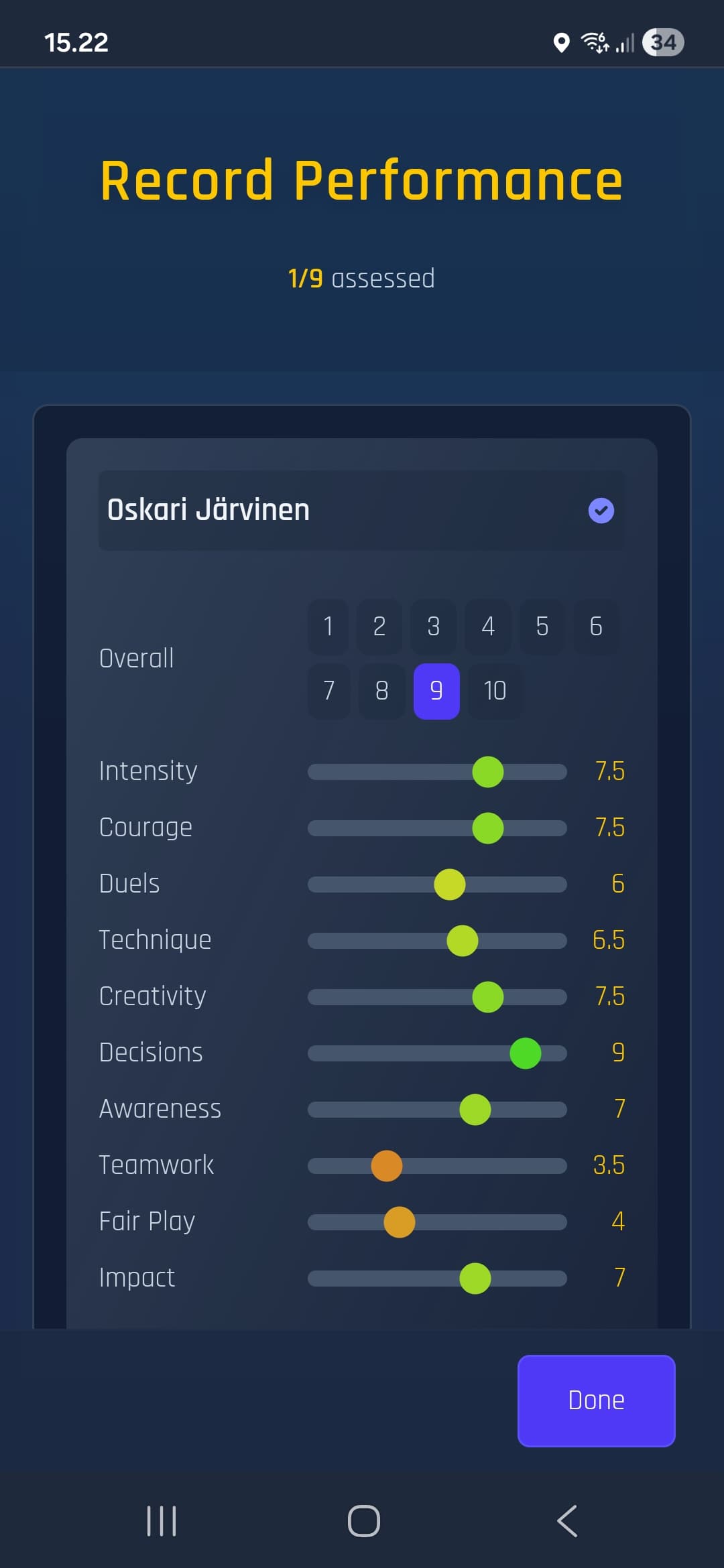
Optionally rate match performances and add coaching notes after games. Helps track observations across the season.
Trends
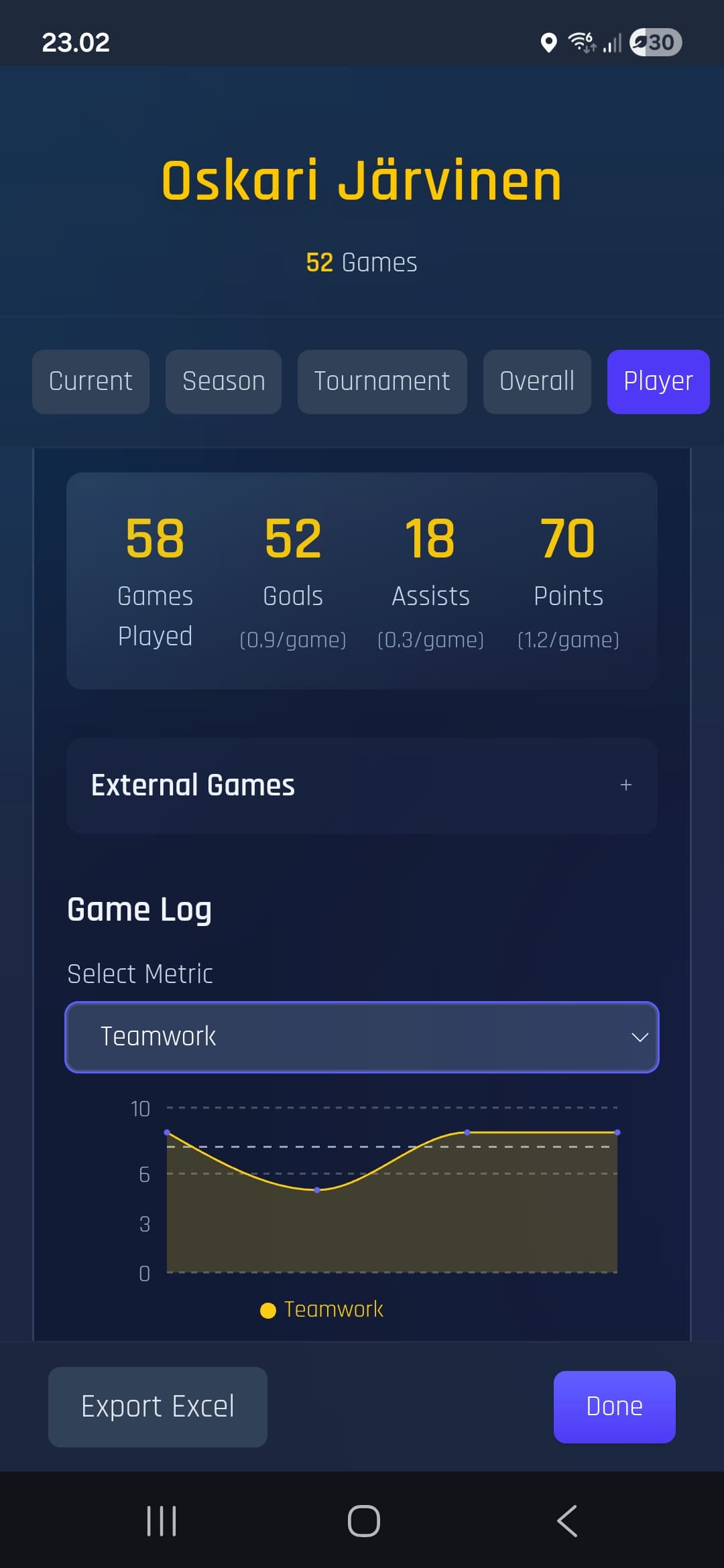
Optionally follow player development with visual charts. See how different areas progress from game to game and across the season.
Official Rules
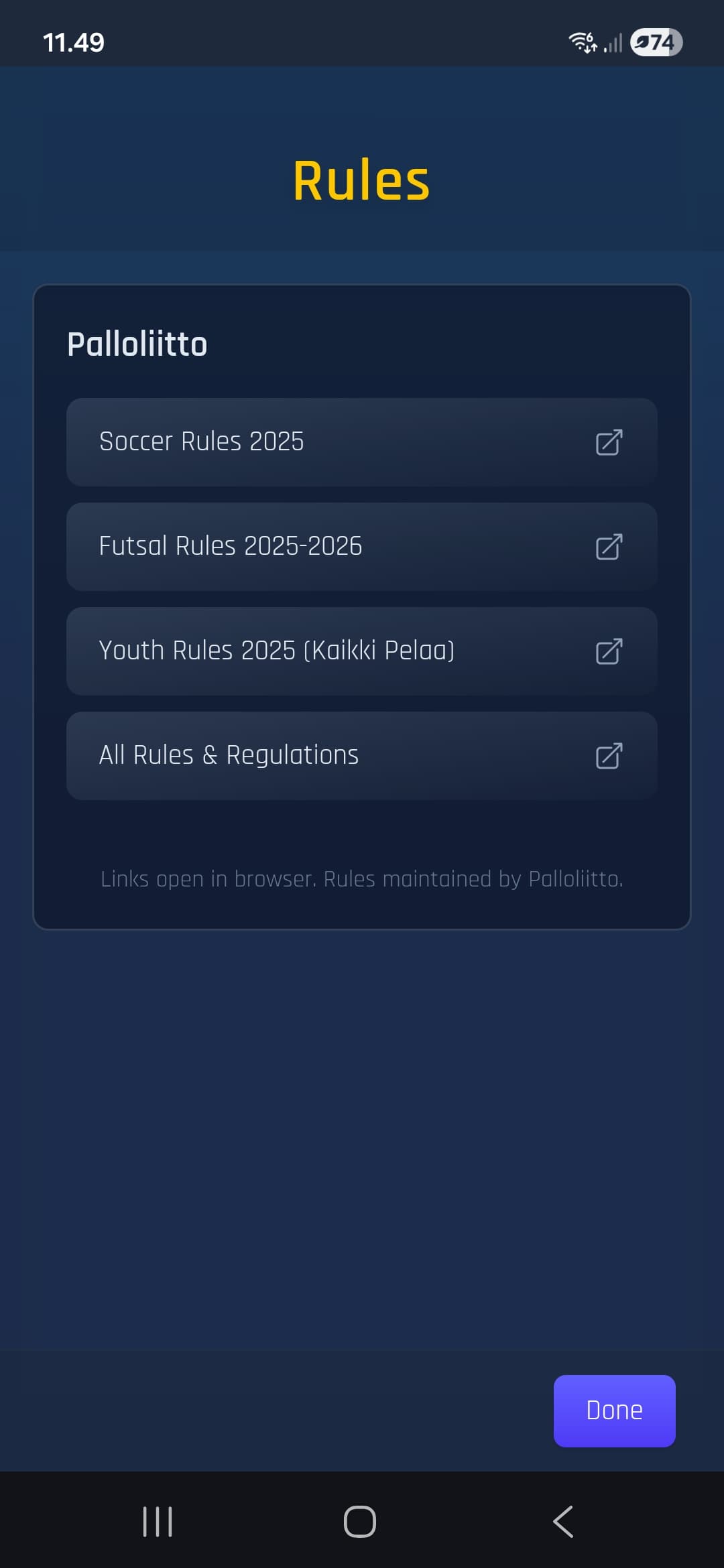
Quick access to official soccer and futsal rules from the Finnish FA.
Try the app

Interested in trying it out? Drop me a message and I'll add you to the testing group.
hello@match-ops.com